ZENDESK

Connect Zendesk to the workflows around it

Henswick reads from, writes to, and acts on Zendesk tickets — completing the steps in customer portals, billing systems, and business applications that your support workflows still depend on, then writing the result back into Zendesk.

Discuss your Zendesk integration

What can be connected

ZENDESK SIGNALS
Ticket created or updated
Status changes
Escalation or priority changes
Assignment group or agent changes
Approval or customer response received
HENSWICK LOGIC
Map data Apply rules Validate Route Hold exception
BUSINESS OUTCOMES
✓Update an order, account, or billing record
✓Complete an action in a customer or admin portal
✓Create or update a record in an ERP, CRM, or service system
✓Retrieve status from an external system and write it back to Zendesk
✓Complete an operational step and update the ticket with the result

Illustrative — the exact triggers and actions depend on how your Zendesk instance is configured.

Example workflows

ZENDESK → HENSWICK → CUSTOMER PORTAL

Approved request to account action

A Zendesk ticket reaches the approved or ready status, Henswick completes the required action in the customer or admin portal, then writes the confirmation back into the ticket.

  1. A Zendesk ticket reaches the approved or ready status
  2. Henswick completes the required action in the customer or admin portal
  3. The confirmation and reference are written back into the Zendesk ticket
Build this workflow →
ZENDESK → HENSWICK → ERP/BILLING

Support ticket to billing correction

A Zendesk ticket requires a billing or order correction, Henswick validates the ticket details and updates the matching ERP or billing record, then confirms the result back in Zendesk.

  1. A Zendesk ticket requires a billing or order correction
  2. Henswick validates the ticket details and updates the matching ERP or billing record
  3. The resulting status and reference are written back into Zendesk
Discuss this integration →
CUSTOMER PORTAL → HENSWICK → ZENDESK → BUSINESS SYSTEM

Customer request to cross-system resolution

A request arrives through a customer portal, Henswick creates the Zendesk ticket for support tracking, then carries the required resolution step into a downstream business application and writes the final outcome back.

  1. A request arrives through a customer portal
  2. Henswick creates or updates the corresponding Zendesk ticket for support tracking
  3. Henswick completes the required resolution step in the downstream business application
  4. The final outcome and status are written back into the Zendesk ticket
Build this workflow →

Need to connect Zendesk with something else?

Henswick builds integrations beyond what’s listed here — for any system already in your stack.

Talk to us about your systems →
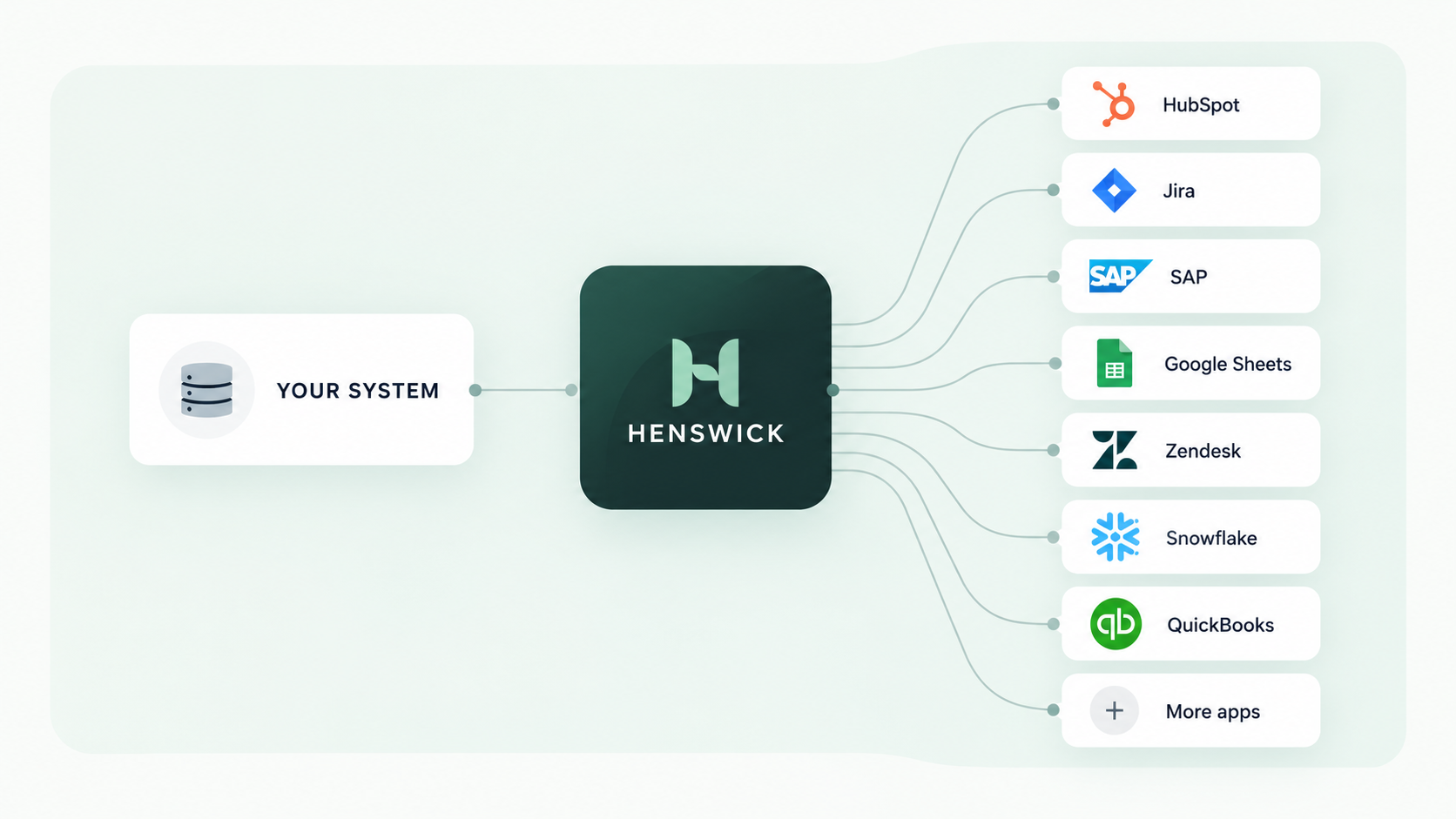
Your system connects through Henswick to HubSpot, Jira, SAP, Google Sheets, Zendesk, Snowflake, QuickBooks and more apps

Zendesk connects with the systems you already run

SAP SAP
NetSuite NetSuite
ServiceNow ServiceNow
Jira Jira
Slack Slack
Google Sheets Google Sheets
QuickBooks Online QuickBooks Online
Microsoft Teams Microsoft Teams

Have a Zendesk workflow that still depends on manual work?

Discuss your integration

Product names and trademarks belong to their respective owners. Henswick is not affiliated with or endorsed by the companies referenced on this page unless explicitly stated.