QuickBooks Online

Keep QuickBooks Online in step with the rest of your business

Henswick keeps sales, expenses, bills, payroll data, and customer records moving accurately between QuickBooks Online and the systems around it — validated, categorized, and reconciled without changing how your team works in QuickBooks.

Discuss your QuickBooks integration

What can be connected

QUICKBOOKS SIGNALS
Invoice or sales receipt created
Bill or expense recorded
Customer or vendor added or changed
Payment received or applied
Bank transaction imported
HENSWICK LOGIC
Map data Apply rules Validate Route Hold exception
BUSINESS OUTCOMES
✓Create or update a record in another system
✓Trigger an approval
✓Send confirmation back to the source system
✓Reconcile sales, expenses, and payments across systems
✓Route an exception for review

Illustrative — the exact triggers and actions depend on your QuickBooks Online configuration.

Example workflows

Ecommerce/POS + QuickBooks Online

Daily sales sync and reconciliation

Turn a day's sales, fees, and refunds from your ecommerce or POS platform into a single, accurate entry in QuickBooks — matched to what actually hit your bank account.

  1. A sales batch closes for the day on your ecommerce or POS platform
  2. Henswick maps sales, processing fees, and refunds to the right QuickBooks accounts
  3. A summarized sales receipt is posted in QuickBooks and matched to the bank deposit
Build this workflow →
Expenses + QuickBooks Online

Expense capture and categorization

Get employee expenses into QuickBooks correctly categorized and approved, without anyone re-entering receipts by hand.

  1. An employee submits an expense or receipt in your expense management tool
  2. Henswick categorizes the expense and matches it to the right QuickBooks account and class
  3. Approved expenses are posted to QuickBooks; anything unclear is flagged for review
Discuss this integration →
Payroll + QuickBooks Online

Payroll journal sync

For teams running payroll outside QuickBooks, get wages, taxes, and deductions into your books as a clean journal entry every pay period.

  1. A payroll run completes in your HR or payroll system
  2. Henswick maps wages, taxes, and deductions to the right QuickBooks accounts and classes
  3. A journal entry is created in QuickBooks; discrepancies are flagged for review
Build this workflow →

Need to connect QuickBooks Online with something else?

Henswick builds integrations beyond what's listed here — for any system already in your stack.

Talk to us about your systems →
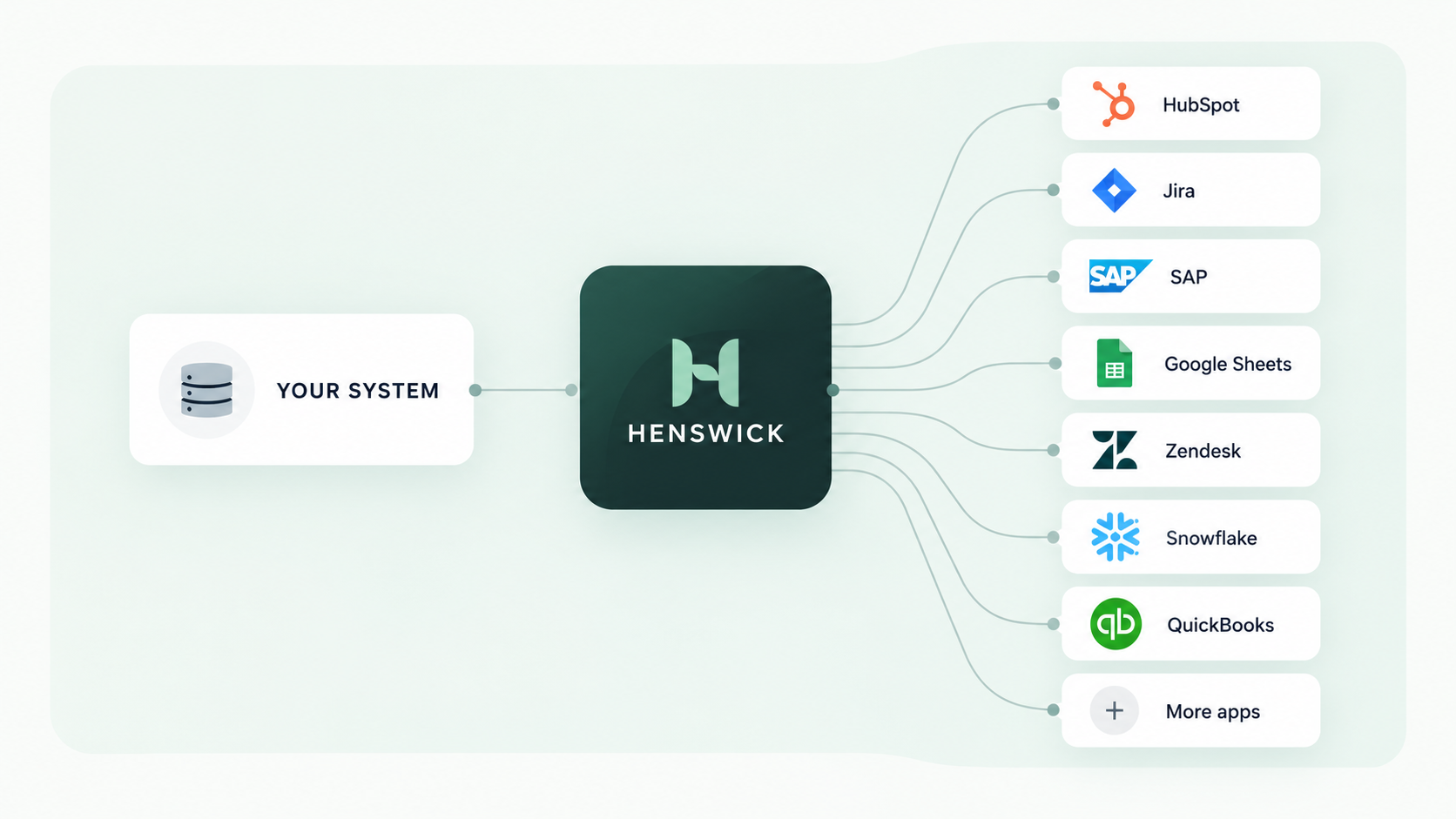
Your system connects through Henswick to HubSpot, Jira, SAP, Google Sheets, Zendesk, Snowflake, QuickBooks and more apps

QuickBooks Online connects with the systems you already run

SAP SAP
NetSuite NetSuite
ServiceNow ServiceNow
Jira Jira
Slack Slack
Google Sheets Google Sheets
QuickBooks Online QuickBooks Online
Microsoft Teams Microsoft Teams

Ready to build your QuickBooks integration?

Discuss your integration

Product names and trademarks belong to their respective owners. Henswick is not affiliated with or endorsed by the companies referenced on this page unless explicitly stated.