MICROSOFT DYNAMICS 365

Connect Microsoft Dynamics 365 with your business systems

Henswick handles the work that has to move from your Dynamics 365 sales process into the other systems, approvals, and operational workflows around it — mappings, rules, approvals and exceptions included.

Discuss your Microsoft Dynamics 365 integration

What can be connected

DYNAMICS 365 SIGNALS
Lead created or qualified
Opportunity moves to a new sales stage
Opportunity marked Won or Lost
Quote created or approved
Account or contact information changes
HENSWICK LOGIC
Map data Apply rules Validate Route Hold exception
BUSINESS OUTCOMES
✓ Create or update a record in another system
✓ Trigger an approval
✓ Create a Business Central or ServiceNow item
✓ Return status to the Dynamics 365 record
✓ Route an exception

Illustrative — the exact triggers and actions depend on your Dynamics 365 configuration.

Example workflows

Dynamics 365 + Business Central

Won-opportunity-to-finance handoff

Move a completed sales process into finance without re-keying customer and commercial information.

  1. Opportunity reaches a late-stage milestone or is marked Won in Dynamics 365
  2. Henswick validates the account, contact, and commercial fields and applies mapping rules
  3. Approved information is sent into Business Central; mismatches are held for review
Build this workflow →
SAP + Dynamics 365

Master-data reconciliation

Keep Dynamics 365 accounts current with what your ERP already knows, without manual comparison.

  1. Customer or account information changes in SAP
  2. Henswick reconciles the record against the corresponding Dynamics 365 account or contact
  3. Dynamics 365 is updated; unmatched or conflicting records are routed for review
Discuss this integration →
Dynamics 365 + ServiceNow

Opportunity-to-implementation handoff

Turn a completed sales milestone into a tracked ServiceNow request, with status returned to the record.

  1. A Dynamics 365 opportunity or account reaches an implementation or service-ready milestone
  2. Henswick confirms required fields are complete and creates the matching ServiceNow request based on your rules
  3. Status and reference information are returned to the Dynamics 365 record
Build this workflow →

Need to connect Microsoft Dynamics 365 with something else?

Henswick builds integrations beyond what's listed here — for any system already in your stack.

Talk to us about your systems →
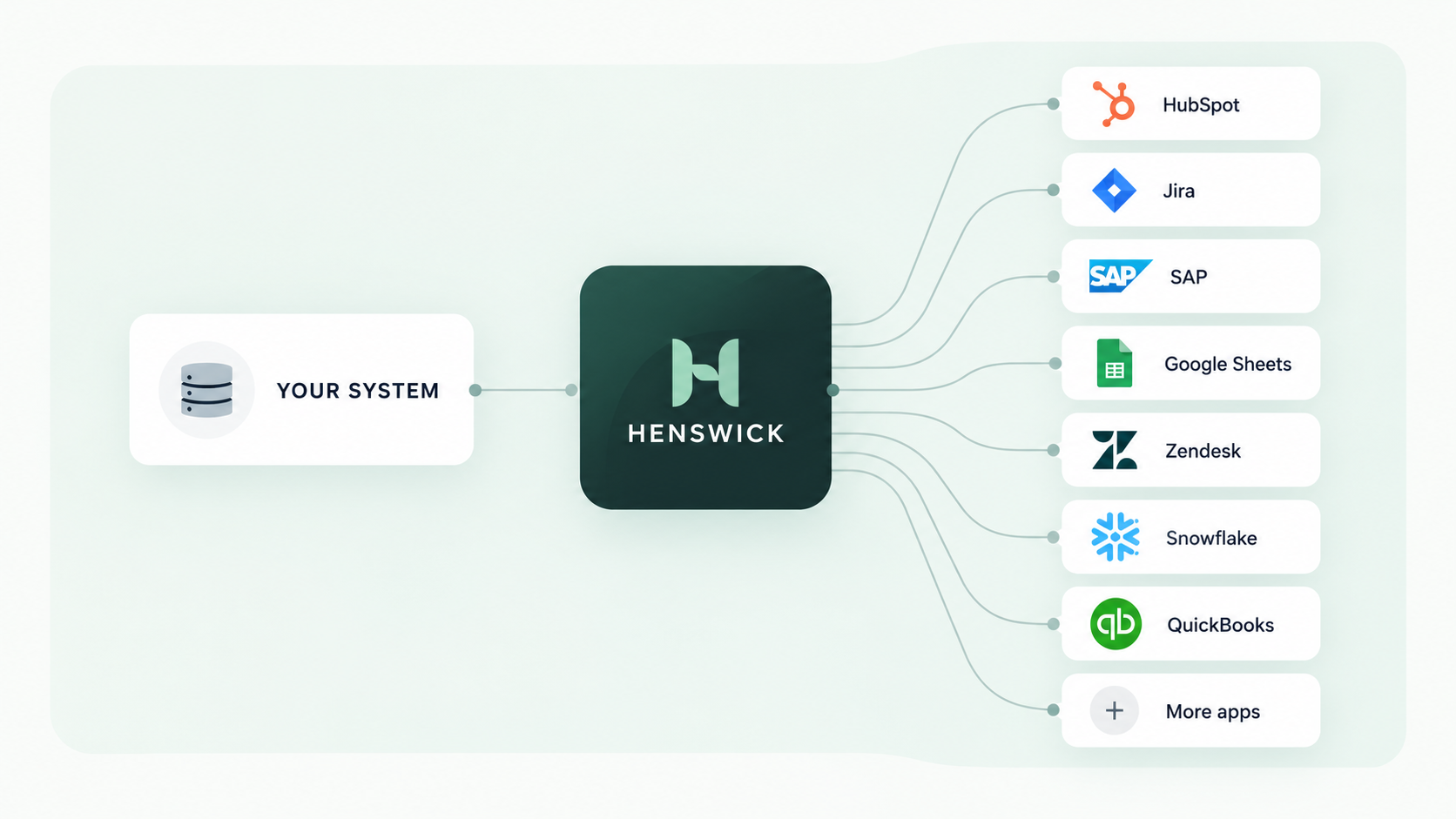
Your system connects through Henswick to Microsoft Dynamics 365, Business Central, ServiceNow, SAP, Google Sheets, Zendesk, Snowflake and more apps

Integration logos here

Ready to build your Microsoft Dynamics 365 integration?

Discuss your integration

Product names and trademarks belong to their respective owners. Henswick is not affiliated with or endorsed by the companies referenced on this page unless explicitly stated.